



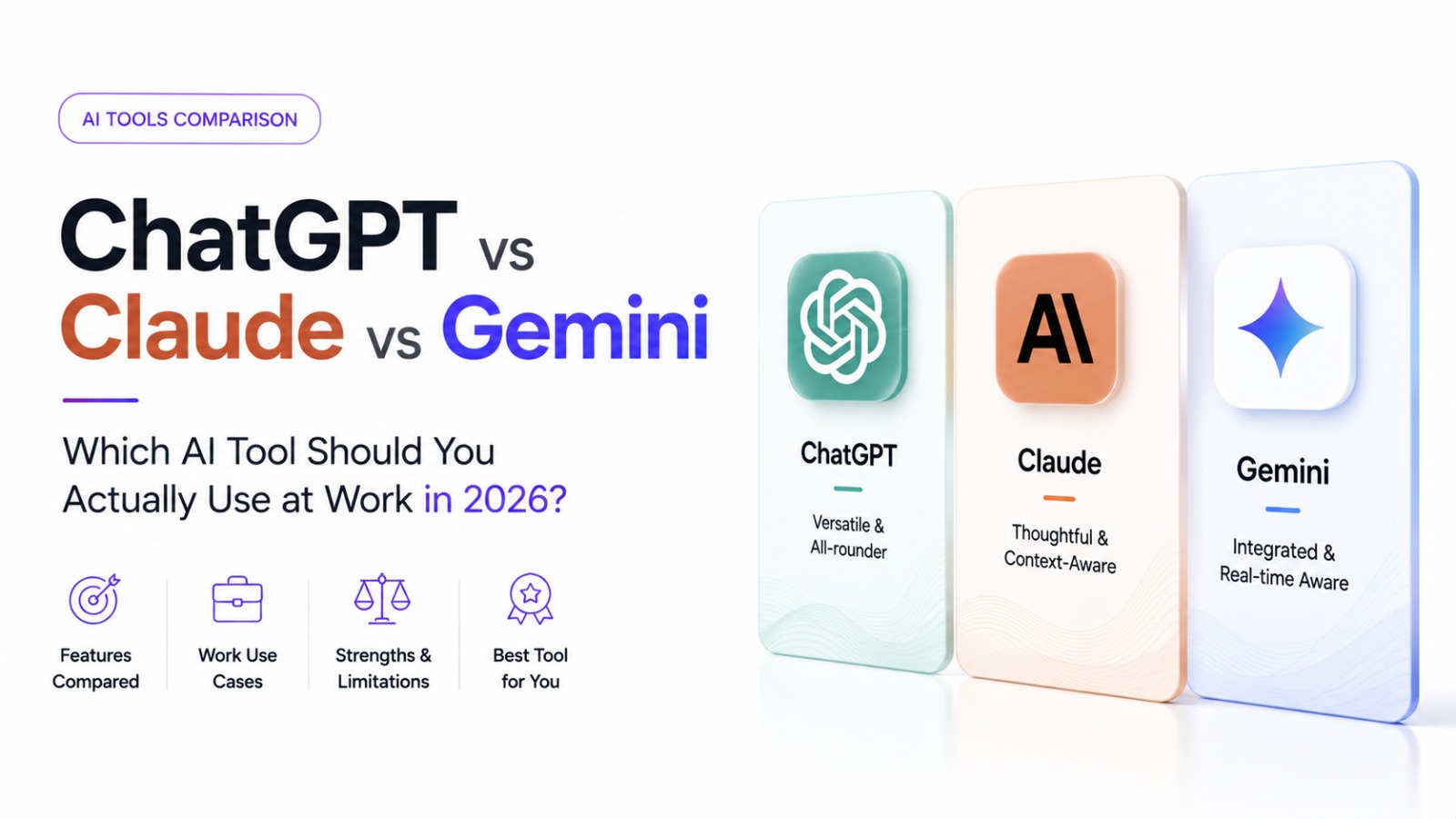
Most comparisons of these tools focus on benchmark scores that mean very little to someone deciding which one to actually open tomorrow morning at work. Here's a more practical way to think about the choice.
The Honest Starting Point: They're All Genuinely Capable
By 2026, all three major assistants — OpenAI's ChatGPT, Anthropic's Claude, and Google's Gemini — are strong enough for the vast majority of everyday workplace tasks: drafting emails, summarising documents, brainstorming, and basic coding help. For most casual use, the differences that actually matter are less about raw capability and more about integration, tone, and specific workflow fit.
Where They Tend to Differ in Practice
Ecosystem integration is often the deciding factor for organisations, more than model quality alone. If your company already runs on Google Workspace, Gemini's native integration removes friction that a separate tool introduces. Similarly, Microsoft 365-centric organisations often lean toward Copilot (built on OpenAI's models) for the same reason.
Long-document and long-context work — reviewing lengthy contracts, large codebases, or extensive reports — is an area where careful attention to a tool's context window and document-handling behaviour matters more than general chat quality.
Tone and writing style preferences are genuinely subjective, and professionals who write a lot (reports, client communication) often develop a real preference for one assistant's default voice over another's, independent of any benchmark.
Coding and technical tasks benefit from testing more than trusting a general ranking — different assistants have different strengths across languages and frameworks, and these shift with each model update.
The Skill That Matters More Than Which Tool You Pick
Regardless of which assistant you use, the actual differentiator in workplace AI use isn't tool choice — it's whether you know how to prompt effectively, evaluate outputs critically, and use these tools without becoming over-reliant on them. Our post Prompt Engineering: A Practical Guide Beyond the Basics covers exactly the techniques that transfer across any of these tools. Our existing post, I Don't Want to Surrender to an AI — How to Use AI Without Becoming a Slave?, is also worth reading on the discipline side of this question.
Building This as a Formal Skill, Not Just Habit
If your organisation is asking employees to "use AI tools" without any formal training on how to evaluate outputs for bias, accuracy, or appropriate use, that's a real gap — and precisely what Technovalley's AI Essentials (AI|E) program is built to close. It's tool-agnostic by design, teaching the underlying literacy that applies whether your organisation standardises on ChatGPT, Claude, Gemini, or switches between them.
FAQs
Is it worth paying for a premium tier of any of these tools for work use? For frequent, work-critical use, yes — free tiers typically come with usage limits and older model access that create real friction for daily professional use.
Should a company standardise on one assistant, or let employees choose? Standardising has real advantages for data governance and consistency, but forcing a single tool without regard to actual task fit can reduce output quality for genuinely different use cases across teams.
Do these tools differ meaningfully in data privacy for business use? Yes, and this is a genuine due-diligence item — enterprise/business tiers of each tool typically offer different data handling and training-opt-out guarantees than free consumer tiers, worth reviewing directly with each vendor.
Build real AI literacy that works regardless of which tool your company standardises on. Explore the AI|E program or talk to our academic team.